A pocket-sized sticker printer powered by AI and voice — a child's idea becomes a tangible sticker in seconds. Inkless thermal printing, on-device AI, built-in color screen. Ages 4+.
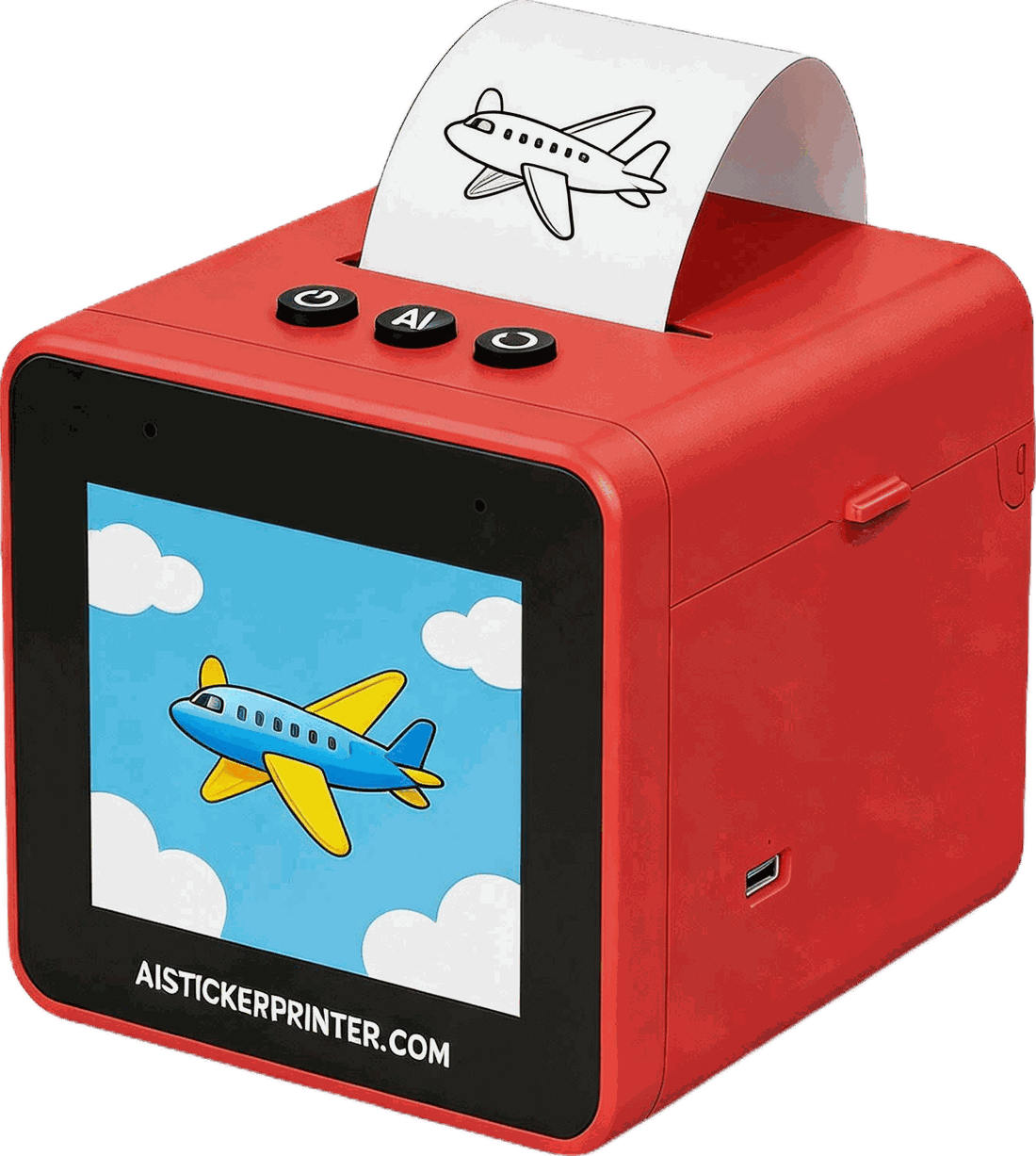
A rugged, child-friendly thermal printer with a built-in color screen, three tactile buttons, and a voice microphone. Its onboard AI turns a spoken idea into artwork right on the device — it runs on battery, needs no ink, and prints on sticker paper that peels off cleanly. Pair it with the free StickerPrint app on your phone over Bluetooth to pick a style and send the print.
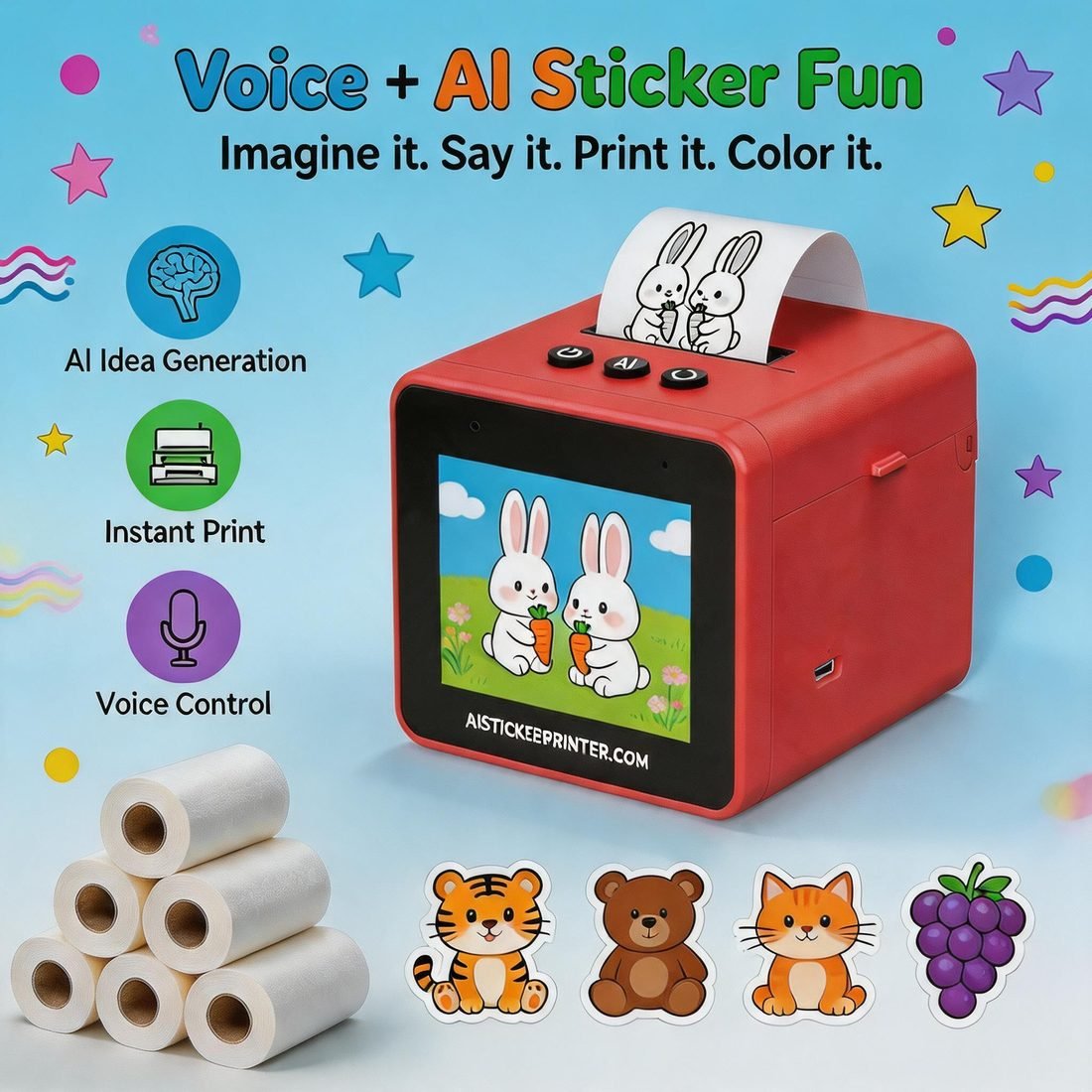
The built-in microphone listens as a child describes what they imagine — a teddy bear in the garden, a rocket in space. The on-device AI inside the printer instantly turns those words into a clean line-art sticker ready to print.
Press the mic button and describe anything — "a teddy bear in the garden".
The printer's own AI drafts the artwork and shows it on the built-in color screen.
One tap prints the sticker. Peel it off — or color it in first.
Clean outlines — perfect for coloring in
Pencil-textured hand-drawn feel
Bold, colorful and playful
| Print technology | Inkless thermal printing |
|---|---|
| Print width | Sticker paper roll (peel-and-stick) |
| Display | Built-in color screen |
| AI processing | On-device — artwork is generated by the AI built into the printer, not by the app |
| Controls | 3 tactile buttons + voice microphone |
| Connectivity | Bluetooth — pairs with the free StickerPrint app (iOS / Android) |
| Companion app | StickerPrint — free on the App Store and Google Play |
| Power | Rechargeable battery, USB-C charging |
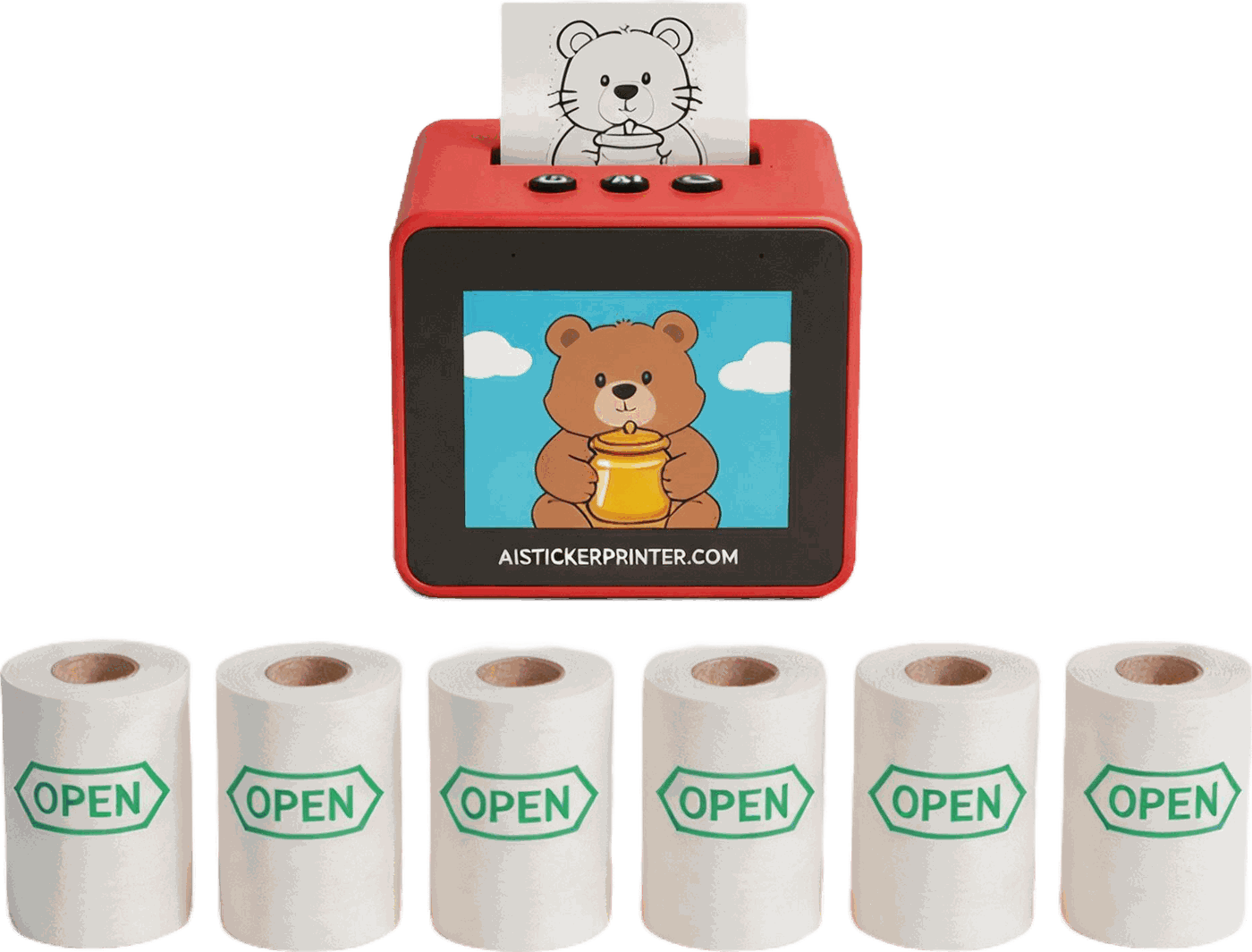
| In the box | 1× AI Sticker Printer, 6× paper rolls, USB-C cable, quick-start guide |
| Recommended age | Ages 4+ |
Pair with the free StickerPrint app — free download, iOS 13+ and Android.
Yes. You'll need a phone (or tablet) and the free StickerPrint app to pair with the printer over Bluetooth. Where the AI lives is worth knowing: the artwork is drawn by the AI inside the printer itself — not by the app. The app is how you connect, choose an art style and send the print. Setup takes about a minute.
On the printer. The AI model is built into the device, so when a child speaks an idea the artwork is generated on the printer itself — it isn't generated in the app. The StickerPrint app handles pairing, art-style selection and sending the print job over Bluetooth.
The StickerPrint app is free on the App Store (iOS 13 or later) and on Google Play for Android. Just search for "StickerPrint", install it, then open the app and follow the on-screen prompts to pair with your printer.
No — a paired phone with the StickerPrint app is required, and the printer and phone need to stay within Bluetooth range (about 10 metres) while printing.
Yes. It uses inkless thermal printing (no cartridges or chemicals) and BPA-free sticker paper that's safe for children's hands and skin. Recommended for ages 4 and up.
About ten seconds from idea to printed sticker — one step to speak, one to preview, one to print.
Three: Simple Line Art (great for coloring in), Sketch (hand-drawn pencil feel), and Cartoon (bold and colorful).
Never. It prints with heat on thermal sticker paper — just swap in a new paper roll when one runs out. 6 rolls are included in the box.
Each roll prints dozens of stickers, and the set includes 6 rolls — hundreds of stickers before you need a refill.